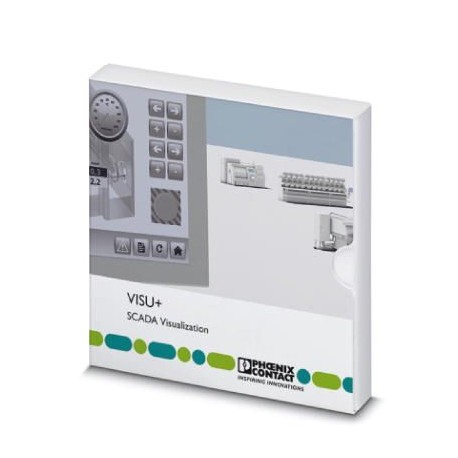
In Stock Hot Product
VISU+ 2 RT 512 AS
VISU+ 2 RT 512 AS 1082641 PHOENIX CONTACT Runtime license for Visu+ including the Alarm Statistics function ..
$0.00
USD
3842 in stock
Key Specifications
GTIN:
4055626816074
Orderkey:
1082641
Packing unit:
1
CPU (Functions):
Pentium/Celeron, 1.6 GHz
Supplier Information
Products: 0
Usually ships within 2-3 business days
Quality Guaranteed
Fast Shipping
Technical Support
Technical Specifications
| Parameter | Value |
|---|---|
| GTIN | 4055626816074 |
| Orderkey | 1082641 |
| Packing unit | 1 |
| CPU (Functions) | Pentium/Celeron, 1.6 GHz |
| RAM (Functions) | min. 1 GByte (2 GB for Windows Vista and Windows 7) |
| ETIM 5.0 (eCl@ss) | EC001416 |
| ETIM 6.0 (eCl@ss) | EC001416 |
| ETIM 7.0 (eCl@ss) | EC001416 |
| Custom tariff number | 85234910 |
| Hard disk (Functions) | min. 1 GByte (recommended: 2 GB) |
| (License information) | Language selection |
| (Hardware requirements) | Windows®10 (32-Bit/64-Bit) |
| Optical drive (Functions) | DVD-ROM |
| eCl@ss 5.0 (Classifications) | 27242500 |
| eCl@ss 6.0 (Classifications) | 27242500 |
| eCl@ss 7.0 (Classifications) | 27242502 |
| eCl@ss 8.0 (Classifications) | 27242502 |
| eCl@ss 9.0 (Classifications) | 27242502 |
| Monitor resolution (Functions) | XGA (1024 x 768) |
| Operating equipment (Functions) | Keyboard, mouse |
| Basic functions (License information) | Know-How protection and safety through encoding of projects |
| Type of license (Key Commercial Data) | Runtime license |
| Operating system (Hardware requirements) | Windows®XP (SP3) |
| Integrated function (License information) | Statistical alarm function |
| Number of I/O nodes (License information) | 512 I/O bytes |
| Expanded functionality (License information) | Statistical alarm function |
| Intended use for the software (Key Commercial Data) | Visualization |
Product Description
More details
Key Features
- Industrial grade quality
- RoHS compliant
- CE certified
- 1-year warranty
Product Documents
Datasheet
Technical specifications and performance data
User Manual
Installation and operation guide


